Barcode
Scanning

Scan every item on and off the vehicle, and build a complete audit trail for every delivery.

  • No credit card required
  • 7 day free trial
  • Cancel anytime
  • Free trial available
  • No obligation to buy
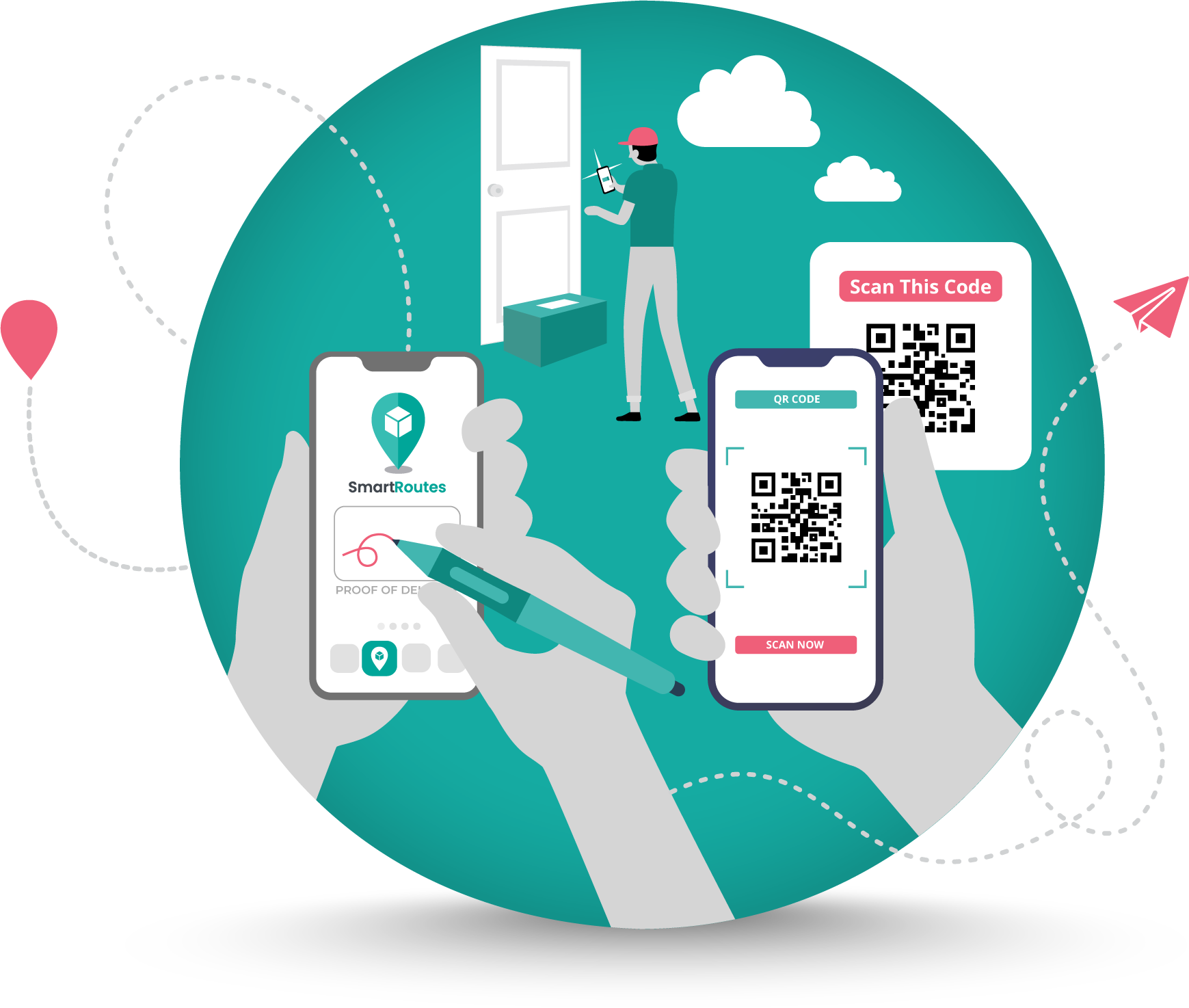
Driver scanning a barcode with the SmartRoutes app

Fewer errors. Full traceability.
Total confidence.

Barcode scanning takes the guesswork out of tracking items through your delivery
operation, from loading the vehicle to the final drop off.

Loading checklist icon

Fewer loading errors

Confirm every item is on the right vehicle before it leaves the depot.
Track and trace icon

Full track and trace

Build a complete scan history for every item, from depot to doorstep.

Dispute resolution icon

Faster dispute resolution

Prove exactly when and where an item was scanned, in seconds.

How Barcode Scanning Works

  1. 1

    Choose to scan items

    On loading, on delivery, or both, depending on how your operation works.

  2. 2

    Drivers scan items via the SmartRoutes app

    No extra tools or hardware required.

  3. 3

    Each scan is logged with a timestamp and geotag

    Every scan is recorded against the order.

  4. 4

    Admin users get instant access to scan activity

    Through the SmartRoutes desktop app.

  5. 5

    Review the full scan history

    For any order or route, right inside the dashboard.

Complete visibility, item by item

Barcode scanning helps your team confirm the right items are loaded, delivered, and accounted for at every stage, reducing errors and giving you a clear record of every scan.

Complete visibility,
item by item

Barcode scanning helps your team confirm the right items are loaded, delivered, and
accounted for at every stage, reducing errors and giving you a clear record of every scan.

Catch loading errors before drivers leave the depot

Scan items as they're loaded onto the vehicle to confirm the full order is on board. It helps with warehouse sorting and catches mistakes before a driver ever sets off.

  • Confirms drivers have all assigned items
  • Compatible with your existing barcode labels
  • Consistent process across every depot
  • Scan items as they're loaded onto the vehicle
  • Helps with warehouse sorting
  • Reduces human error at loading
Vehicle loading icon

Confirm the right load, every time, before drivers hit the road
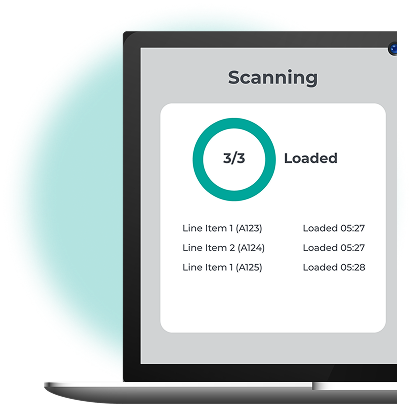
Scanning screen showing all items loaded

A simple, reliable form of proof of delivery

Scanning an item off the vehicle at drop off creates a timestamped, geotagged record, giving you a straightforward way to confirm a delivery was completed.

  • Scan items off the vehicle at drop off
  • Timestamped and geotagged scan records
  • Works alongside photos and eSignatures
  • Supports your proof of delivery process
  • Confirms exact delivery time and location
  • Reduces disputed delivery queries
Proof of delivery icon

A clear, simple record for every completed delivery
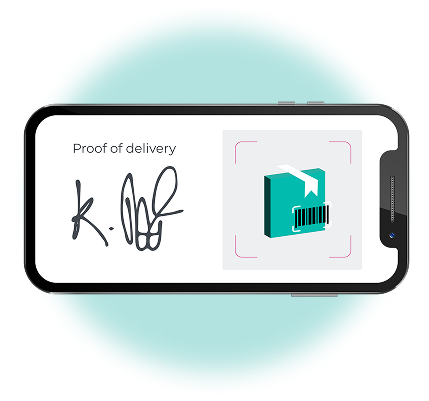
Proof of delivery signature and barcode scan on mobile

See what's been scanned, the moment it happens

Admin users get instant access to scan activity through the SmartRoutes desktop app, so your office team always knows what's been loaded or delivered, without waiting on a driver to check in.

  • Full scan history by order or route
  • Exportable scan records
  • One clear view for the whole office team
  • Real time scan visibility for admins
  • Desktop app access to all scan data
  • No waiting for driver check-ins
Real time scan visibility icon

Full oversight of every scan, without leaving your desk
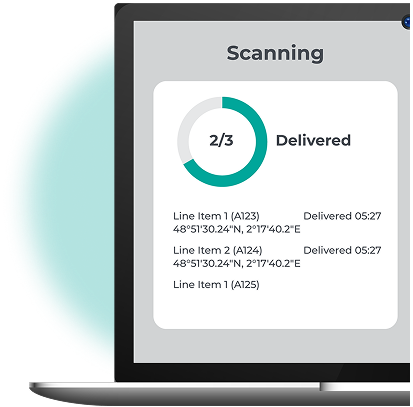
Scanning screen showing delivered items with geotags

A complete audit trail, whenever you need to look back

Every scan builds into a searchable history for each order, giving you an audit trail you can rely on for compliance, reporting, or resolving a query well after the delivery is done.

  • Searchable scan history per order
  • Full record from loading to delivery
  • Useful for compliance and audits
  • Supports reporting across routes
  • Helps resolve queries after the fact
  • Stored data available whenever you need it
Audit trail icon

A record you can trust, long after the delivery is complete
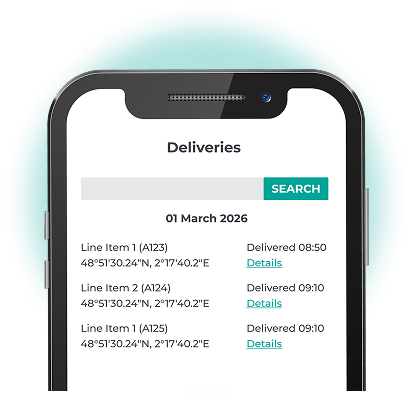
Searchable deliveries scan history on mobile

What delivery teams say about
SmartRoutes

Full visibility of every touch point

Delivering over 90,000 newspapers a week requires our entire operations and logistic divisions to be on the same page. SmartRoutes gave us full visibility of every touch point from print production right up to end customer queries. Without their combination of software and service, this simply wouldn't be possible.

Fran W. - The Irish Times
Quick and efficient customer support

SmartRoutes have been instrumental in structuring our delivery planning process. We now have more efficient delivery planning and better driver visibility. The whole delivery process is now more efficient both for our route planners and delivery drivers. Special thanks to Blake and the team for their quick and efficient customer support.

Brett L. - Outdoor Living
Improved our operational efficiency

The SmartRoutes platform has provided us with an additional touch point for our customers via the text message with tracking information. We've received really positive feedback on the system both from our customers around being able to track their orders as well as from stores on the positive impact it's had on our fulfilment processes.

Caroline W. - SuperValu/Musgrave

More features

Proof of delivery icon

Proof of Delivery

Capture photos, eSignatures and barcode scans together for complete delivery proof.

Label printing icon

Label Printing

Download delivery labels from SmartRoutes and choose from a range of templates.

Customer invoicing icon

Customer Invoicing

Generate invoices from completed delivery runs directly inside SmartRoutes.

Multi-depot management icon

Multi-depot Management

Manage routes, drivers and scanning operations across multiple depots from a single account.

Vehicle checks icon

Vehicle Checks and Driver Questionnaires

Set up vehicle checks and driver forms that drivers complete before starting a route.

3PL client portal icon

3PL Client Portal

Give clients or third party users a login to view scan and delivery records.

Delivery zones icon

Delivery Zones

Create zones on the map and assign routes to drivers automatically based on their area.

Operational digest icon

Operational Digest

Daily and weekly reports highlighting route performance, missed stops and key trends.

Driver push notifications icon

Driver Push Notifications

Drivers receive instant mobile notifications when routes or instructions change.
Track every item,
from depot to doorstep.

Start free trial
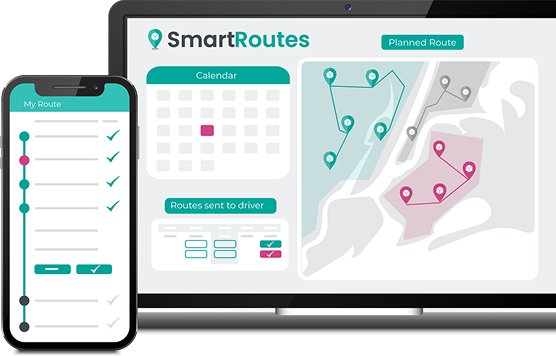
SmartRoutes dashboard on laptop and driver app on mobile

Useful resources

Frequently asked questions

SmartRoutes lets drivers scan your existing barcode labels as goods are loaded onto a vehicle, taken off during delivery, or both. Each scan is recorded against the order with a timestamp and geotag, creating a clear track-and-trace history for every item.
No. Drivers scan barcodes directly through the SmartRoutes mobile app on their existing smartphones, using the device camera, so there's no need to buy or manage separate handheld scanners or readers.
Yes. Scanning an item at the point of handover creates a digital record showing exactly when and where the delivery was completed, and it can be combined with photos and e-signatures as part of your proof of delivery workflow.
Yes. SmartRoutes admin users can view scan activity in real time through the desktop app, including what was scanned, when it was scanned, and whether it happened during loading or delivery, giving office teams instant visibility without calling drivers.